iPhone app
Export Message AI
Export Message AI rebuilds chats from the screenshots and recordings you provide, then exports them as searchable PDF, CSV, or TXT. Text recognition and chat reconstruction run on your iPhone, so you can review the thread before you keep a copy.
Processing
Recognition and rebuild happen on this iPhone.
Formats
Printable PDF, structured CSV, or plain TXT.
Review
Edit the conversation, then generate a free preview.
Overview
Export Message AI is an iPhone app for turning captured chat screens into a readable export. It does not log into other messaging apps. You bring screenshots or a screen recording; the app reconstructs the thread, lets you review it, and writes a file you can save, print, or share.
The product is built for people who need a durable copy of a conversation: personal backup, workplace records, or a printable PDF they can attach to email. A free preview shows the reconstructed layout before a full export is unlocked.
How it works
-
Capture the chat
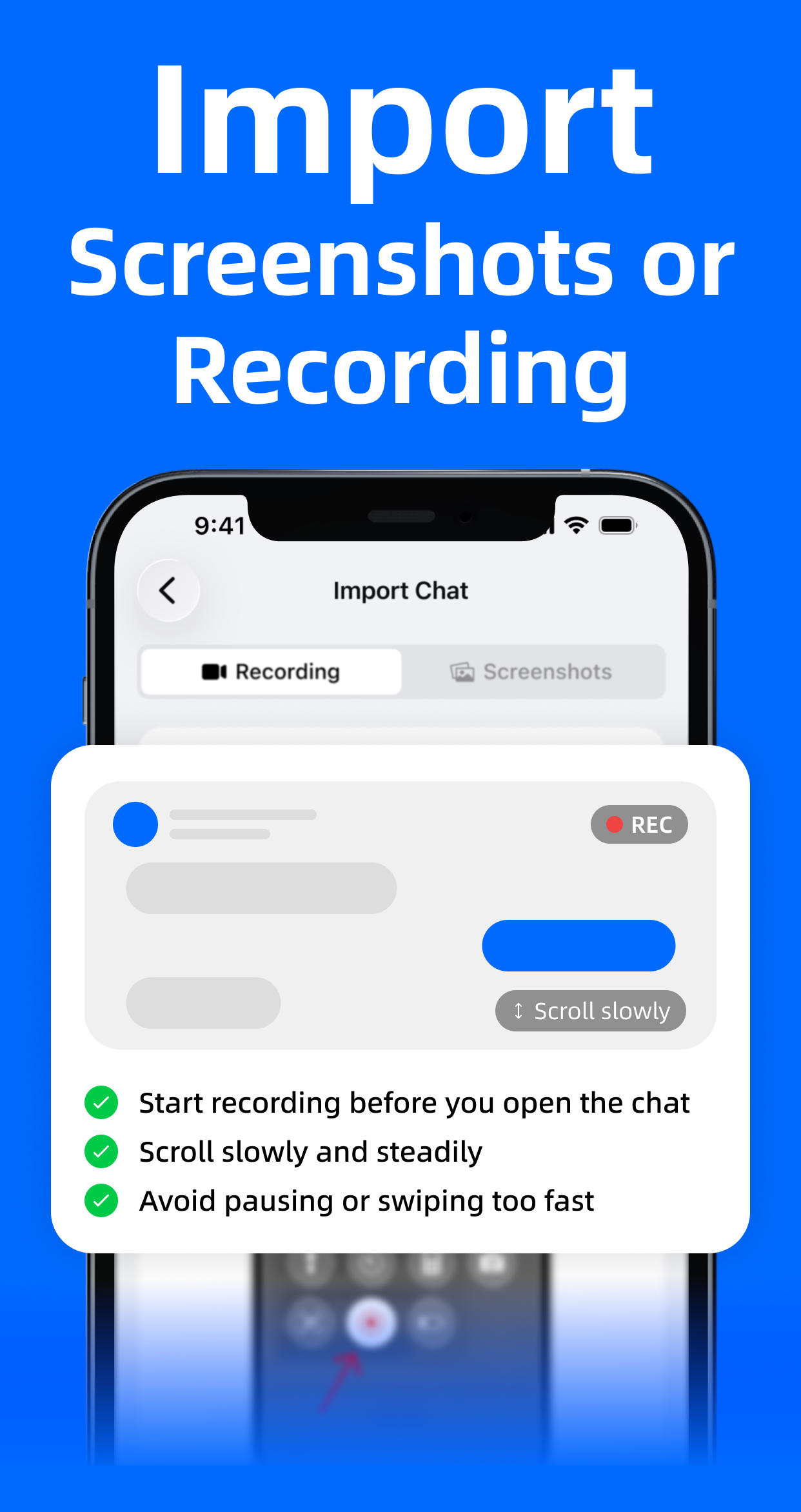
Take screenshots or a screen recording of the conversation on your iPhone. Export Message AI works from the screens you provide, so it does not need access to another app’s private message database.
-
Rebuild on this iPhone
The app scans files, extracts text, merges overlapping screens, and builds a chat. Text recognition and chat reconstruction happen on this iPhone. You can ask to be notified when the job finishes.
-
Review and edit
Open the reconstructed thread, check timestamps and wording, and edit messages before export. This is the last chance to correct OCR mistakes or hide text you do not want in the file.
-
Export PDF, CSV, or TXT
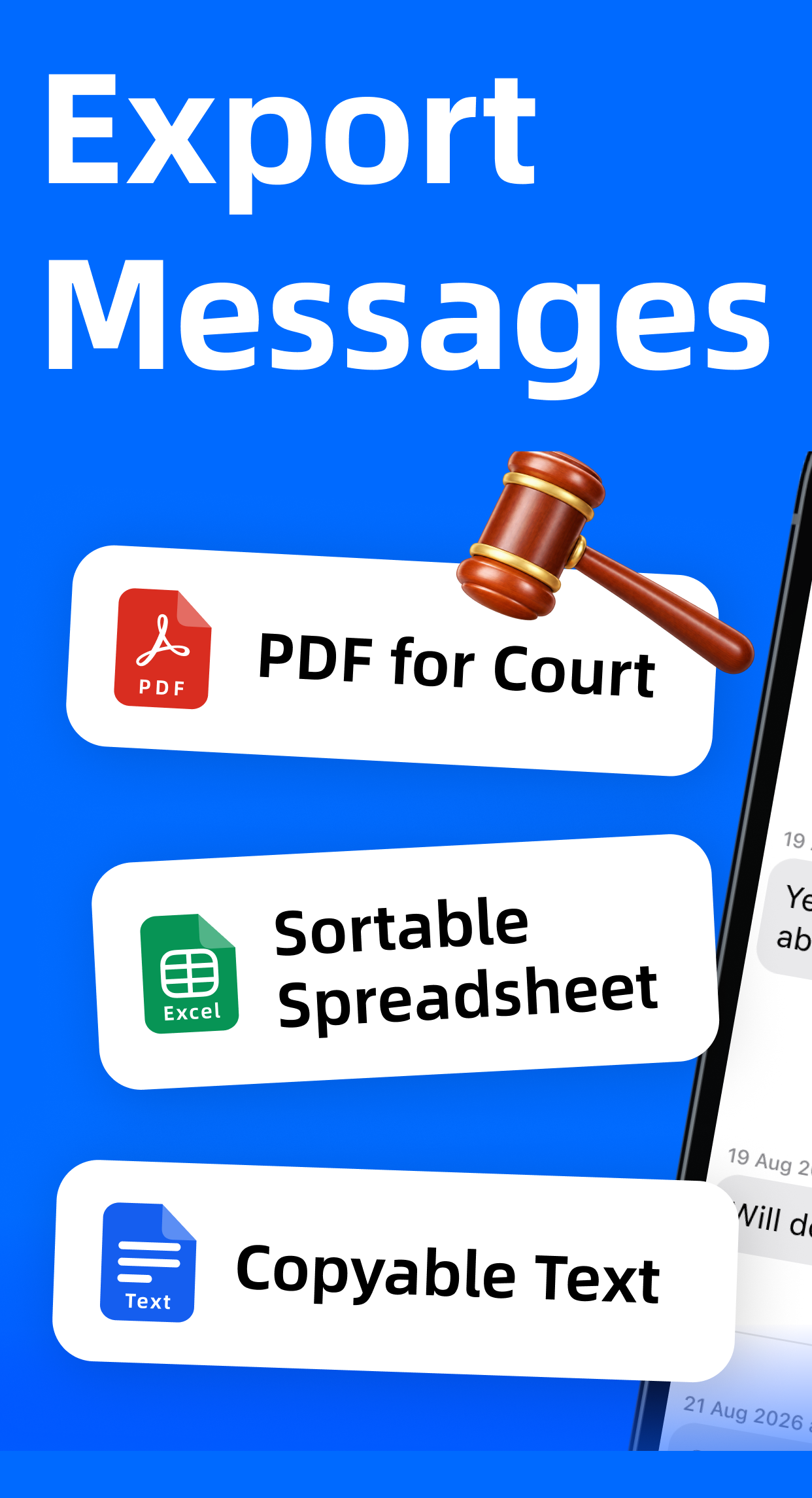
Choose a printable, searchable PDF; a spreadsheet for structured rows; or plain text. Generate a free preview first, then export the full file.
What you can do
Export Message AI rebuilds chats from the screens you already captured. It is designed to work with Messages, WhatsApp, Messenger, Instagram, Telegram, LINE, WeChat, and other apps whose conversation you can screenshot or record. After reconstruction, keep the thread readable: review wording, keep visible timestamps, and export a copy you can print, attach, or archive.
-
On-device rebuild
Text recognition and chat reconstruction are designed to run on the iPhone. The preview itself is labeled as generated privately on this iPhone.
-
Conversation editor
Check the rebuilt messages, keep visible timestamps, and correct text before anything is written to a file.
-
Printable PDF
Searchable PDF for saving and printing, with optional participants on the first page, page numbers for citation, and a generation statement.
-
CSV and TXT
Export structured rows for a spreadsheet, or a plain-text copy when you only need the words.
-
Free preview
See a paginated preview of the reconstructed PDF before unlocking the complete export.
-
Honest timestamps
The visible-timestamp option includes only times that appeared in the original screens, rather than inventing a clock the capture did not show.
Export formats
| Format | Best for | Notes |
|---|---|---|
| Printing, attaching, citing | Searchable text; optional participants, timestamps, page numbers, and generation statement | |
| CSV | Spreadsheets and review | Structured rows for sorting or filtering outside the app |
| TXT | Quick archive | Plain text when layout is not required |
Privacy, in the product
On this iPhone
Text recognition and chat reconstruction are designed to run on this iPhone. Export Message AI is meant to work from files you already captured, not by signing into another messenger.
The app does not recover deleted messages and does not certify that an export is admissible in court. You remain responsible for how you capture, edit, and share the resulting file. For questions about data handling, email export.ai.service@outlook.com.

Get the app
Download
Export Message AI is available on the App Store for iPhone.
Download on the App StoreSupport
For product questions, billing, or privacy requests, write to customer support. We read this inbox for Export Message AI.
export.ai.service@outlook.com